
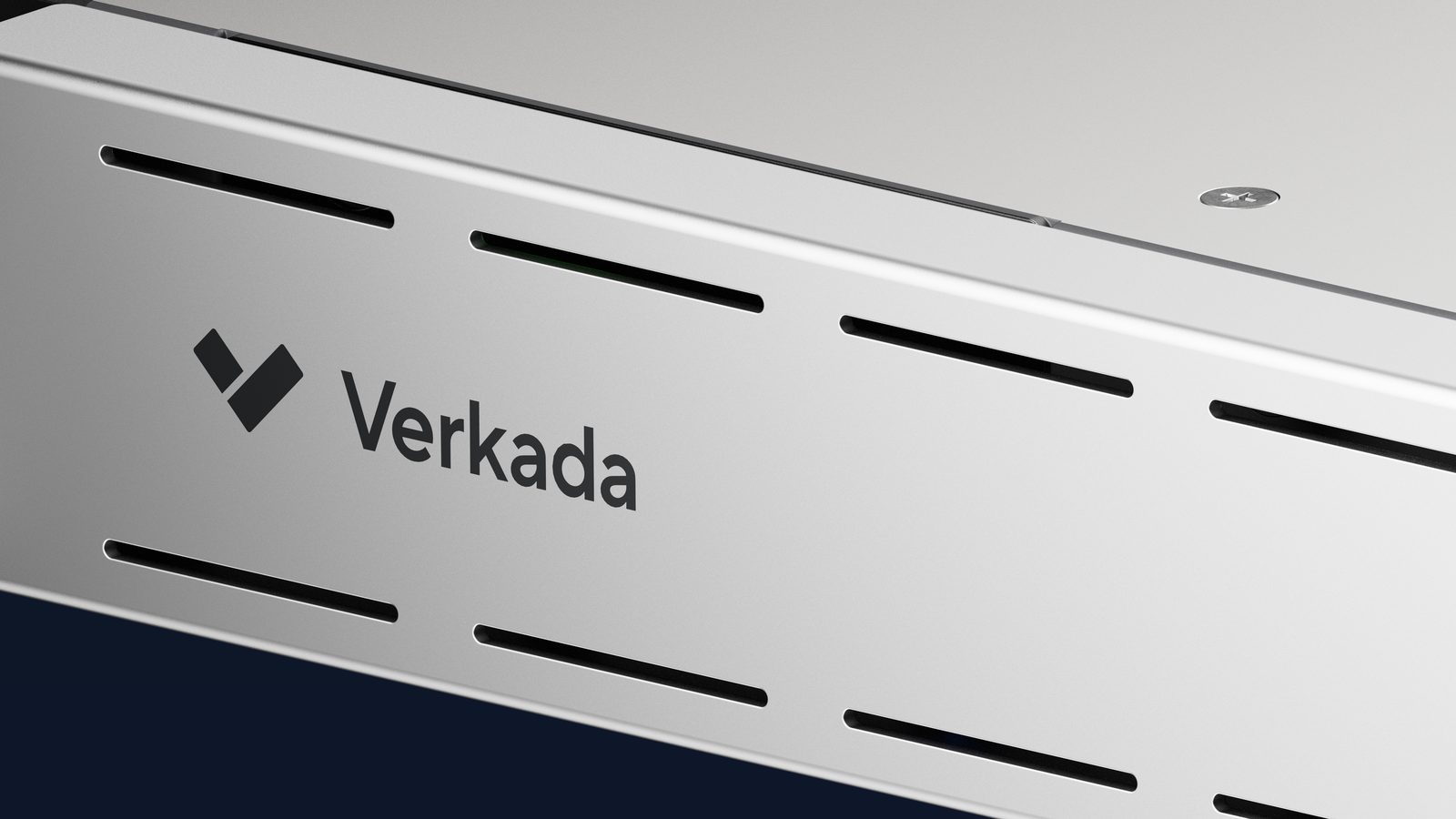
Quick answer: In many cases, yes, you can retire a failing NVR and keep the cameras that are already on the wall. Verkada's Command Connector is a rack-mount appliance that brings compatible third-party IP cameras into the same cloud dashboard as Verkada cameras, so a Hawaii business gets cloud backup, remote access and smart search now, and replaces the old cameras later, on its own schedule. The catch is compatibility, which depends on the camera models you own, and a few features that only work on Verkada's own cameras.
The call we get most often from Oahu and the neighbor islands is not "we want new cameras." It is "the recorder died again." The cameras still produce a clear picture, but the NVR under the desk has a failing drive, no remote app worth using, and a video pull that takes an afternoon. Replacing all 24 cameras at once is a budget conversation nobody wants to have. This guide walks through how commercial security cameras in Hawaii can move to the cloud without a full rip-and-replace, which cameras qualify, and where the trade-offs sit. It picks up where our post on what happens to NVR footage in a break-in or disaster left off.
Can you really get rid of the NVR and keep the cameras?
Yes, if the cameras are compatible. Command Connector is a 1RU server that sits in your rack in place of the NVR. It connects to your existing IP cameras over the local network, records their streams to its own storage, and pushes video and events up to Verkada Command, the same cloud platform that manages Verkada's own cameras, door access control and alarms. From that point the old cameras show up in the Command dashboard next to any new Verkada cameras, with the same remote access from a browser or phone, the same user permissions and the same alerting.
Verkada publishes a hardware compatibility list of tested third-party cameras. A camera that is not on the list can usually still connect if it supports ONVIF Profile S or RTSP, which covers most business-grade IP cameras sold in the last several years. Cameras that were only ever reachable through the NVR's built-in switch, or analog cameras on coax, are a different story, and we cover those below.
Which Command Connector model does a Hawaii business need?
It comes down to camera count and resolution. Verkada currently lists three models. The CC300 handles up to 10 channels at 5MP or less, or 5 channels at 4K, with up to 8TB of storage. The CC500 handles up to 25 channels at 5MP or 12 at 4K, with up to 16TB. The CC700 handles up to 50 channels at 5MP or 25 at 4K, with up to 32TB. Verkada recommends 5MP or lower per camera for the best performance; 8MP cameras work but reduce how many fit on one unit, and anything above 8MP needs a conversation with a Verkada engineer first.
Most of the small-business sites we see in Honolulu, Kapolei and Kahului land in CC300 territory. A hotel, a warehouse in Campbell Industrial Park or a multi-building campus is more often a CC500 or CC700, and larger sites can run more than one unit. We size this during the site assessment from your actual camera list, not a guess.
What do you gain by moving old cameras to the cloud?
Mostly the things the NVR could never do. Video is recorded on the Connector and backed up to the cloud, so a stolen or flooded recorder no longer means lost footage. You get remote viewing from any island or the mainland, named user accounts with two-factor sign-in instead of one shared password, and alerts when a camera drops offline instead of finding out weeks later. The same dashboard runs remote connectivity gateways and alarm hardware if you add them later.
The real win for most owners is the phased budget. Year one, replace the recorder and keep the cameras. Year two or three, swap the cameras that matter most, such as the ones covering cash handling or a loading dock, for Verkada models that bring the full AI feature set. The old and new cameras sit side by side in one system the whole time.
What are the trade-offs with third-party cameras on Command Connector?
Be honest with yourself here, because this is where a proposal can oversell. On non-Verkada cameras, Verkada describes AI search as limited, with higher latency than on its own cameras. License plate alerts are not supported on third-party cameras at all. Firmware updates for the old cameras still have to be managed by you or your IT partner, since Command cannot push them. If the network drops, footage from third-party streams may not be recorded during the outage, where Verkada cameras keep recording on their own onboard storage. Tamper alerts depend on whether the camera can send them. Support for third-party channels is also limited compared to Verkada hardware.
None of that is a reason to skip the upgrade. It is a reason to decide which cameras get replaced first. In our experience the doors, the register and the parking entrance go first, and the hallway cameras that just need to keep recording can run on the Connector for years.
What does a Command Connector project involve in Hawaii?
It starts with a camera inventory and a network check. Each existing camera needs a known IP address and admin login, and the cameras need to sit on the same local network as the Connector, ideally on the same switch. If your current cameras are plugged into ports on the back of the NVR itself, they are usually on a private network inside the recorder, and the switch arrangement has to change before the Connector can discover them. Each camera stream also carries one Verkada camera license, the same as a Verkada camera, and multisensor cameras need one per sensor.
From there, USP handles the design, the proposal, the Command configuration and training, and we tell you up front which cameras qualify and which do not. The physical mounting and cabling, including any rack or switch changes, are performed by licensed Hawaii contractor partners. If your building is in Honolulu or anywhere on Oahu we can usually do the camera walk the same week, and the neighbor islands are a short planning call away. Learn more about security camera systems in Hawaii and ask us to review your camera list before the recorder fails for good.
Frequently Asked Questions
Will my old analog cameras work with Command Connector? No. Command Connector is built for IP cameras that support ONVIF Profile S or RTSP. Analog cameras on coax need either an encoder, which we generally do not recommend, or replacement. We will flag any analog cameras during the camera inventory.
How do I know if my cameras are compatible? Verkada maintains a hardware compatibility list of tested third-party models, and cameras outside that list can often connect through ONVIF Profile S or RTSP. Send us your camera make and model list, or a photo of the labels, and we will check each one.
Does Command Connector replace the NVR's storage? Yes. The Connector records the camera streams on its own drives, up to 8TB on the CC300, 16TB on the CC500 and 32TB on the CC700, and backs video up to Verkada's cloud. The old NVR can be retired.
Do I still need licenses for cameras that are not Verkada cameras? Yes. Each camera stream connected through Command Connector uses one Verkada camera license, the same annual subscription model as a Verkada camera. Licensing is covered line by line in the proposal.
Can I mix Command Connector cameras with new Verkada cameras? Yes, and that is the normal path. Existing cameras run on the Connector, new Verkada cameras connect directly to Command, and all of them share one dashboard, one set of users and one alert list.