
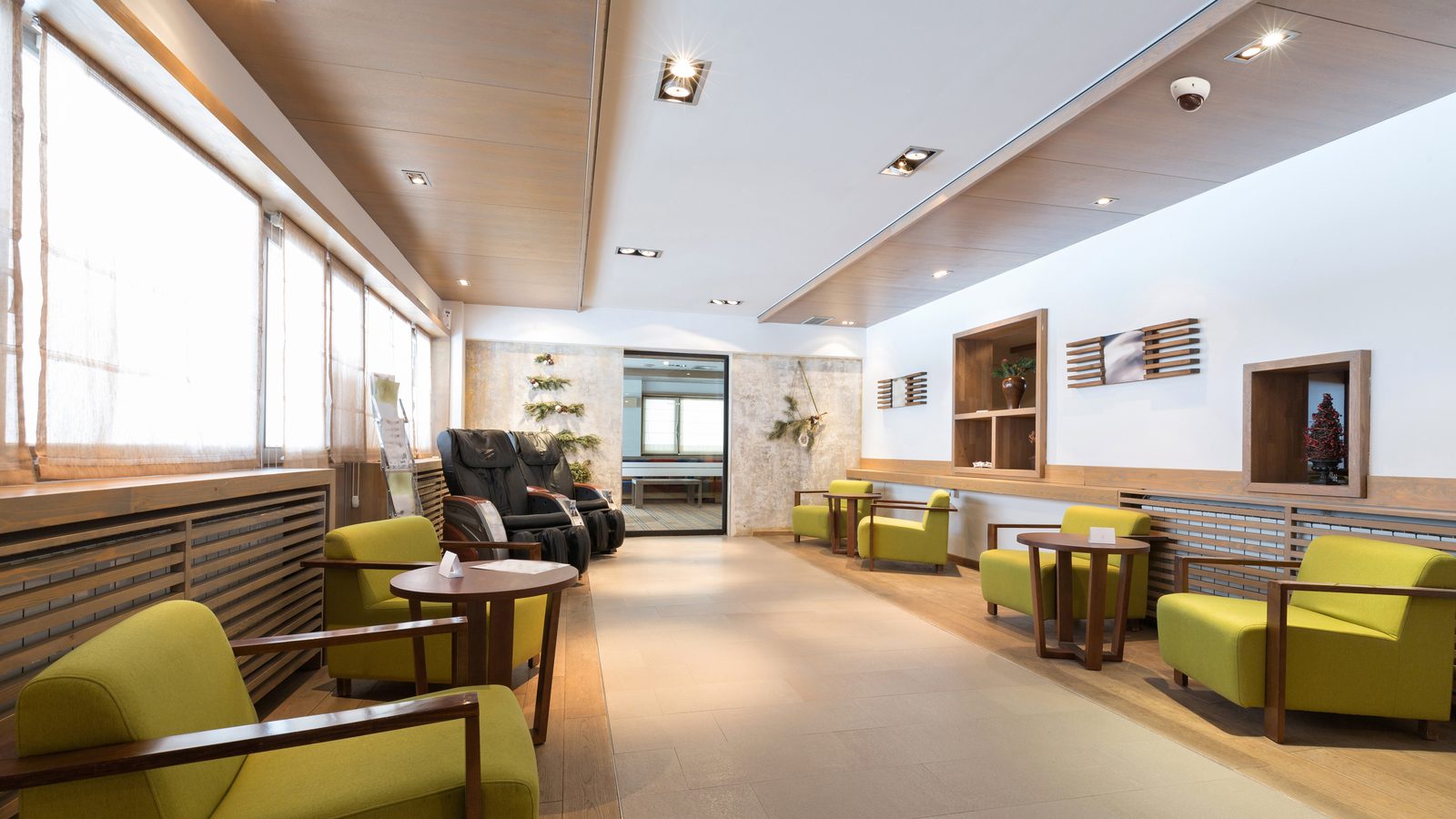
Quick answer: Most Kakaako and Downtown Honolulu offices need four things, in this order: access control on the suite door and any room with records or equipment, a camera at reception and the back door, video-verified alarm monitoring for the hours the building's guard does not cover, and a cloud dashboard the owner can check from a phone. The building runs the lobby, elevators and garage; the tenant secures the suite.
If you lease a floor on Bishop Street, a suite in a Kakaako mixed-use tower or a walk-up office near Chinatown, the question is rarely whether you need security. It is what to put in place first, and where your responsibility stops and the landlord's starts. This guide draws on the security systems in Honolulu USP has designed for offices across Oahu since 2019.
Who is responsible for security in a Honolulu office building, the tenant or the landlord?
Usually both, with a clear line between them. In most Downtown and Kakaako towers, property management owns the lobby turnstiles or doors, the elevator card readers, the parking garage and any lobby guard post. The tenant owns everything past the suite door: the entry itself, interior rooms, the server closet and whatever happens inside after hours. Your lease and building rules spell out the split, so read them before you buy anything, and ask management two questions early: what credential technology the lobby readers use, and whether you can run your own cameras in the suite. The answers to both are almost always yes, with conditions.
Which doors in a Honolulu office need access control?
Start with the suite entry, then any door that protects people, records or equipment. For most offices that means the main door, a records or file room, the server or IT closet and a back door to the service corridor. Cloud access control systems in Honolulu let you issue key cards, fobs or phone credentials to staff, set schedules so the front door unlocks during business hours and locks at six, and see an audit trail of who opened which door and when.
Two Honolulu-specific points matter here. First, many older Downtown buildings still hand out 125 kHz proximity cards, which carry no encryption and can be copied with inexpensive tools. If the building's lobby readers use prox, you cannot change that, but you can make sure your own suite doors use encrypted cards or mobile credentials. Second, carrying one card for the building and a phone for the suite is common and works fine, as our guide to key cards vs. mobile credentials for Honolulu offices explains. Interior doors such as the server closet can often use battery-powered wireless locks, which avoids running new cable through finished walls.
Where should security cameras go in an office?
Reception, the suite entry, the back door and any room where cash, records or inventory are kept. A camera that sees faces at the front door answers most of the questions an office ever asks: who came in, when did they leave, and did the delivery actually arrive. Security cameras in Honolulu on the Verkada platform record to the camera itself for 30 to 365 days, so there is no recorder in a closet to fill up or walk off with, and footage is searchable by person or time from the Command app on your phone.
Cameras inside the suite are yours to place, but keep two things in mind. Audio recording and private spaces follow Hawaii's own rules, which we cover in our guide to security camera and audio recording rules for Hawaii businesses. And if the office faces the water in Kakaako or sits near the harbor Downtown, any exterior camera should be an outdoor-rated model, because salt air is hard on equipment that was never meant to live outside.
Do we need an alarm if the building already has a guard?
Usually yes, because the guard covers the lobby, not your suite. A lobby post sees who enters the building, but a cleaning crew, a contractor with a borrowed badge or a former employee with a card that was never turned off can reach your floor without anyone noticing. A cloud alarm with door contacts and motion sensors inside the suite, armed after the last person leaves, closes that gap. With video-verified business alarm monitoring in Honolulu, a monitoring agent reviews the camera feed before police are dispatched, which matters in this city: the City and County of Honolulu charges $50 per false alarm after the third in a 12-month period, and the alarm needs a permit, which runs $15 to register and $5 a year to renew. Our Honolulu alarm permit guide walks through the process.
What about after hours and the parking garage?
After hours is when most office incidents happen, and the garage is where most of the rest happen. If the building runs the garage, ask what cameras and lighting it has and whether tenants can get footage after an incident. If you own the building or manage a smaller property, after-hours coverage can come from remote video monitoring and virtual guard service rather than a second guard shift: cameras with AI detection flag a person on the loading dock or in the garage after closing, a live agent reviews the feed, speaks through a horn speaker and calls police if the person does not leave.
How does a company with several Oahu locations manage all this?
From one dashboard. A firm with a Downtown headquarters, a Kapolei warehouse and a clinic in Aiea can run every door, camera and alarm in one Verkada Command account, give each site manager access to their own location and keep the owner's view across all of them. Adding a site means adding devices to the account, not standing up another server. Our commercial business and commercial real estate pages cover the single-site and portfolio versions of this.
What does the process look like?
It starts with a site walk of the suite to count doors, check existing hardware and look at the network, then a written design and proposal, then provisioning of every device before go-live so the switchover happens in a day. USP designs the system, supplies Verkada hardware and licensing, configures and trains, and supports it for its life. Physical mounting and cabling are performed by licensed Hawaii contractor partners. If the building already has coax or older IP cameras you want to keep, Verkada's Command Connector can bring many of them into the same dashboard, which is often the cheapest first step.
Whether you lease a single suite in Kakaako or own a Downtown building with a dozen tenants, the goal is the same: see every door and camera from your phone, know who is in the space after hours and never pay a false-alarm fee you could have avoided. If you are comparing a security company in Honolulu for your office, start with the suite door and reception, and build from there.
Frequently Asked Questions
Can an office tenant put in its own security system in a Honolulu building? In most leases, yes, inside the suite. The building keeps control of the lobby, elevators and garage, and the tenant secures its own entry, interior rooms and after-hours alarm. Check your lease for rules on cabling and exterior cameras before you start.
What should a Downtown Honolulu office secure first? The suite door with access control, then a camera at reception, then an after-hours alarm with video verification. Those three cover the majority of office incidents, and everything else can be phased in later.
Does a Honolulu office need an alarm permit? Yes, if the alarm is set up to dispatch police. The City and County of Honolulu charges $15 to register and $5 a year to renew, allows three free false alarms in any 12-month period and charges $50 for each one after that.
Can we keep the building's key cards and still use phones for our suite? Yes. Many Downtown and Kakaako tenants carry a building card for the lobby and use a phone credential or encrypted card at their own suite door, and a multi-technology reader at the suite accepts both.
Can we check the office cameras from home or from a neighbor island? Yes. Verkada cameras are cloud-managed, so an owner can watch live video, search footage and get alerts from a phone or browser anywhere, with no NVR to log in to and no VPN to set up.